Google Fast Indexing Checklist for New and Updated URLs

Shoulu Team
6/12/2026
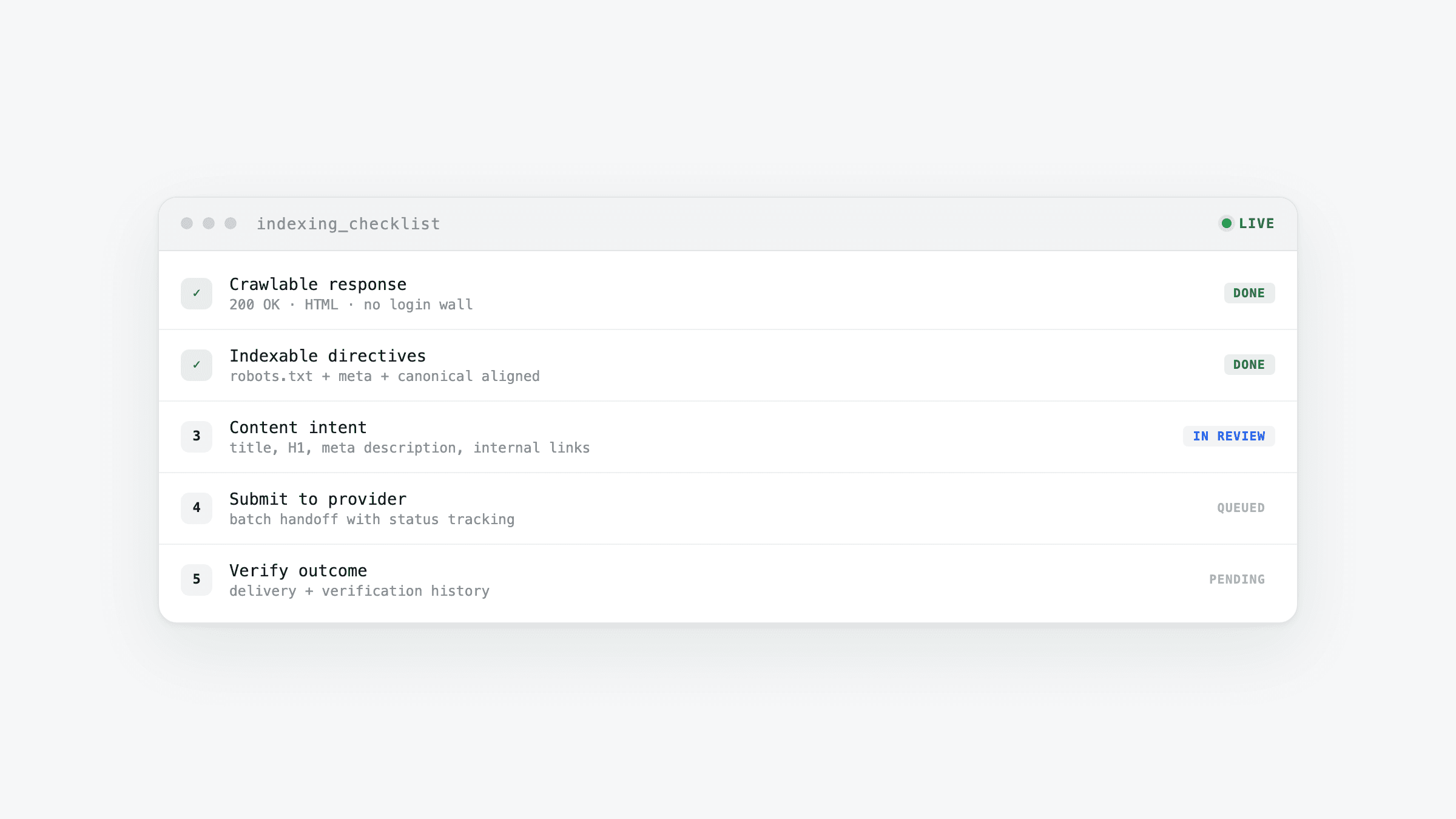
Submitting a URL before the page is ready usually creates extra verification work. Shoulu is built to help teams move faster, but the best indexing workflow still starts with a page that Google can crawl, understand, and treat as the canonical version.
Confirm the page can be crawled
Check that the final URL returns a successful status code, is not blocked by robots.txt, and does not include a noindex directive. If the page redirects, submit the final destination rather than an intermediate URL.
Use a self-referencing canonical
Every indexable page should identify itself as the preferred URL. A self-referencing canonical helps avoid confusion when the same content can be reached through tracking parameters, alternate paths, or localized versions.
Match the title, H1, and search intent
The title tag and H1 do not need to be identical, but they should clearly describe the same page. Use the primary phrase a searcher would use, then add the result or context that makes the page worth clicking.
Add enough useful content
Thin pages are harder to evaluate and easier to ignore. Before submission, make sure the page answers the search intent, includes internal links to relevant next steps, and uses descriptive alt text for meaningful images.
Track submission status
After submitting a URL through Shoulu, check its processing, success, or failure status. Success means the provider accepted the request; it does not confirm search engine indexing. Use Google Search Console to check the search engine’s indexing status.